

Panuts: WooCommerce on AWS and a mobile app · Case study
E-commerce · Web + App · Aug – Oct 2026
Panuts sells wine, spirits and gourmet food all across Peru. I joined to fine-tune their store and connect their new app to it.
Two fronts in two months, hand in hand with the Panuts team: site performance, the admin panel and payments on the web; full integration in the mobile app.
The starting point: A store with real traffic, ready to grow.
At that volume, every detail shows: one extra second at checkout, a payment that takes a while to confirm, a panel the team uses all day long. The goal was to find those details and solve them without slowing down sales.
What we agreed to review
- Performance A store that responds just as fast at peak hours.
- CMS A nimble panel for the operations team.
- Payments Trace every payment error back to its cause.
Measure first: Before changing anything, measure where the time was going.
- Web server CPU: 8% usage · plenty of headroom
- Database capacity: 17% usage · plenty of headroom
The infrastructure had plenty of headroom, so the answer wasn’t adding servers. With metrics and error tracking on the checkout, it became clear where to look: streamlining the path of every purchase and every order in the panel.
What we fine-tuned: Three improvements, each one measured before and after.
- What I saw: The thank-you page waited for electronic invoicing before loading. What I did: Invoice after the payment is confirmed, and move scheduled tasks out of the shopper’s way. (1 / 553 — thank-you pages with errors, down from 1 / 11)
- What I saw: Fixed servers with lots of headroom and health checks stricter than needed. What I did: Automatic recovery and scaling based on real load. (10 → 4 — servers, 0 timeouts)
- What I saw: Opening an order in the panel could take several seconds in the worst case. What I did: I optimized the panel’s heaviest queries and enabled caching. (23 → 2 s — worst case in the panel)
Some ideas were also left out, with the reason written down: a few cuts looked like easy savings but put payments at risk. Measuring before cutting is a decision too.
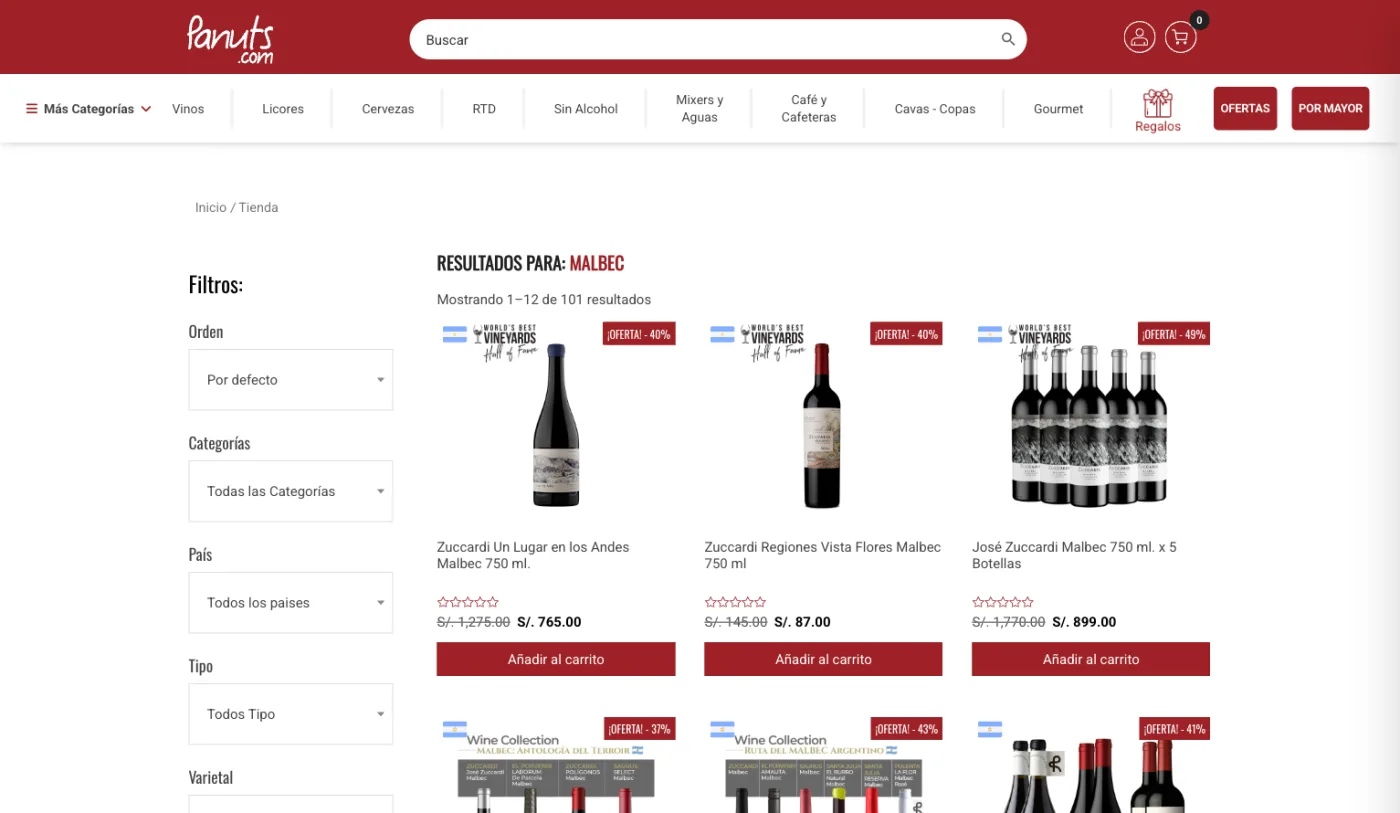
The app: Next, connecting the app to the store.
The app already had its full design; what remained was integrating it with WooCommerce. Of 13 flows, 3 were already using real data: the rest were waiting on the cart, payments, orders and account integration.
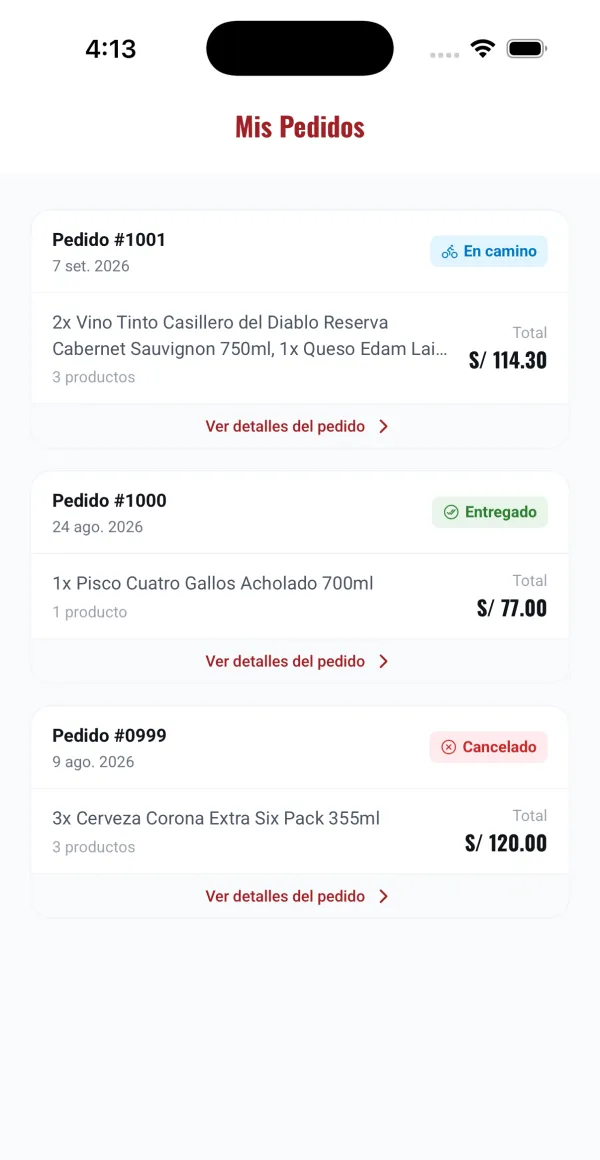
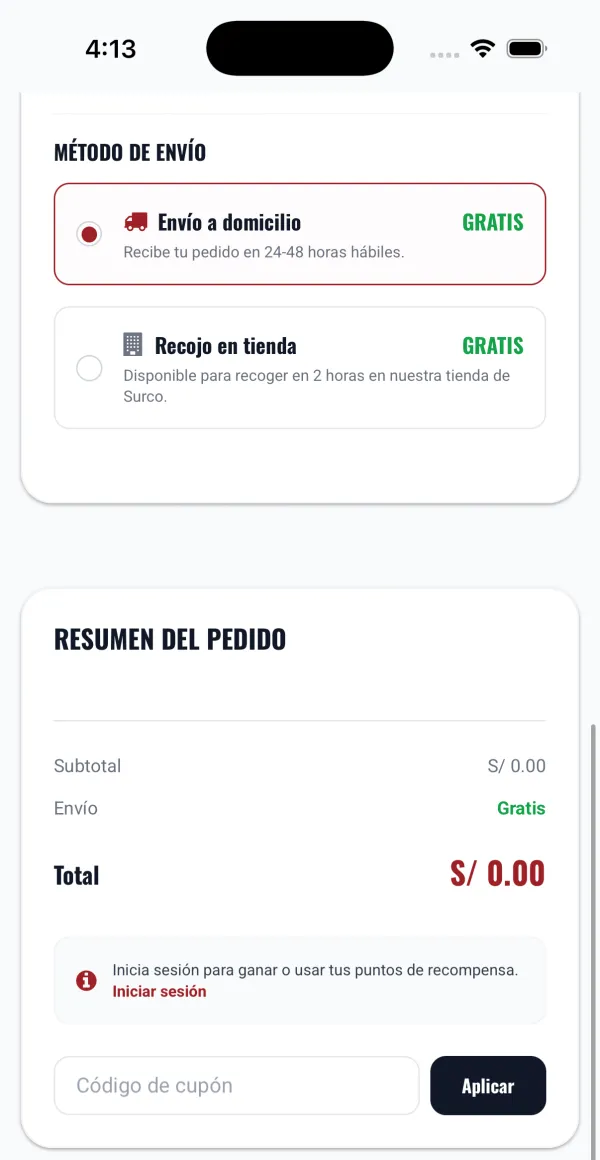
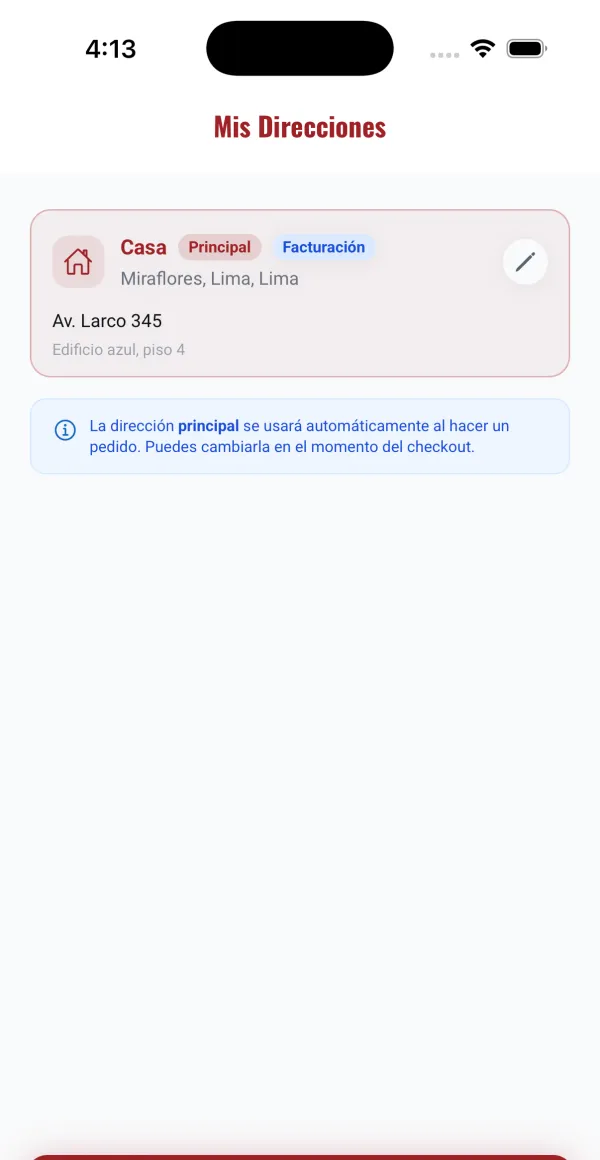
The same app, now connected to the store.
- One cart. What you add on the web shows up in the app, and vice versa.
- Native payments. Native checkout on Android and iOS with the same gateways as the web.
- Real orders. Identical to web orders for invoicing and logistics.
- Notifications. Payment push notifications managed from WordPress; in QA they arrive in 5 seconds.
Technologies: What I worked with on the web and the app.
- Commerce: WooCommerce, WordPress
- Cloud: AWS
- Search: Meilisearch
- Mobile: iOS, Android, React Native
The result: A faster store that’s easier to run and costs less, plus an app ready to launch.
- −40% — monthly AWS bill
- 1/553 — thank-you pages with errors
- 0 — timeouts across 635,529 requests
- 291 — PRs across the app and its API